

We recommend following lessons on a desktop device to make these lessons easy to follow along!
Set up your number
You're on step 3 of 7.
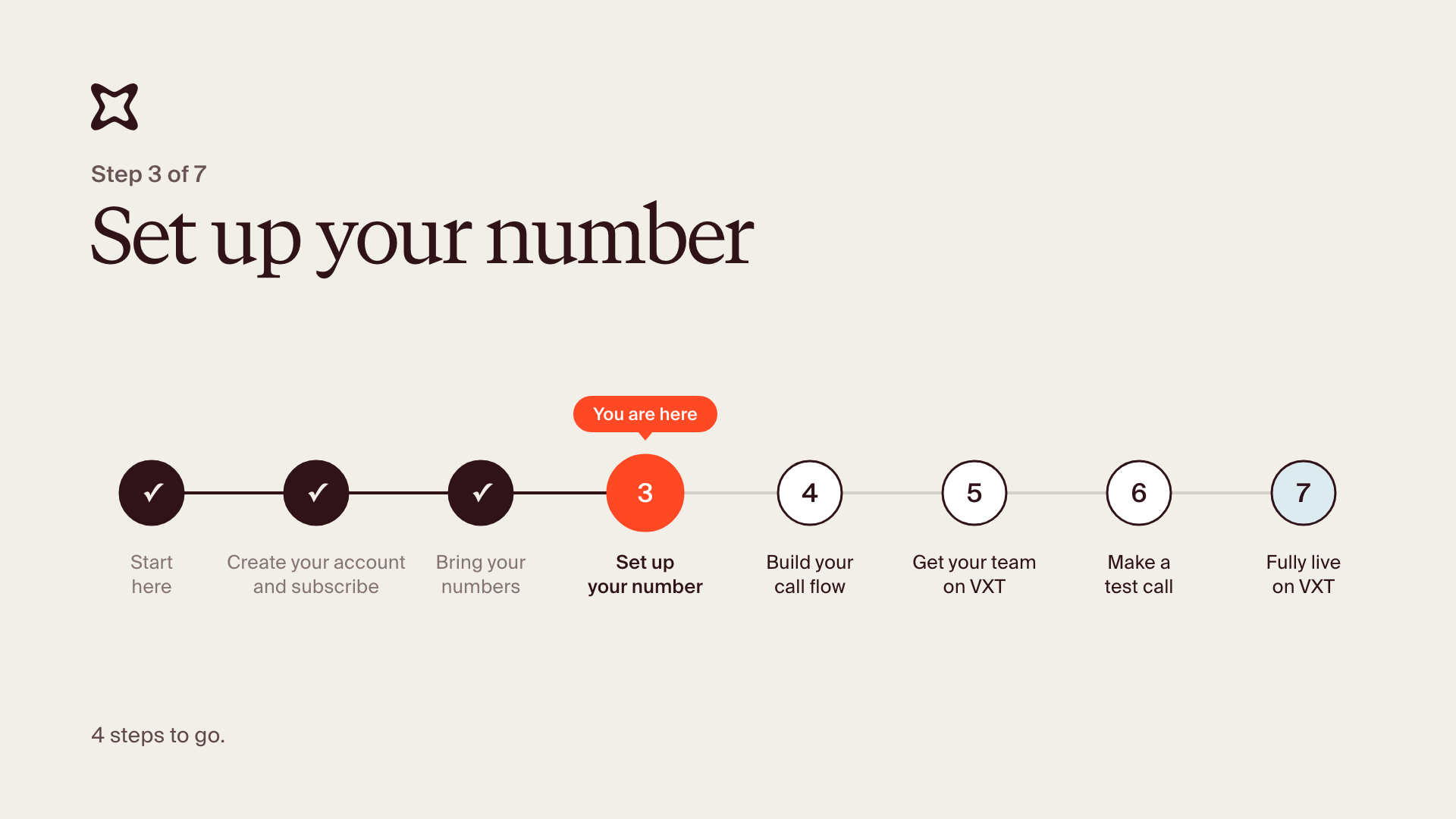
By the end, your number is set up before it moves: it has a name your team recognizes, the right people see its calls and can call out on it, you've chosen what happens when someone calls and whether calls are recorded, and voicemail is ready.
Once your implementation manager has added your number to your VXT account, it shows up in Phone numbers, even while the move is pending, so you can do all of this now.
Open your number
- Click Admin in the bottom left, then Phone numbers.
- Click your number to open its settings.
Fill in your number's details
The first time you open a number, VXT asks for three things:
- An internal name: what your team calls this number, like "Main line" or "Reception". Only your team sees it.
- Its assigned users: the people who see this number's calls in VXT, including missed calls and voicemails. Add everyone who needs to follow up on calls to this number.
- Caller ID access: anyone who should be able to make calls out using this number. When they call a client, the client sees this number.
Don't see someone? Invite anyone you missed when you created your account: click Admin, then Users, then Invite people. They'll show up here once they're invited.
Choose what happens when someone calls, and turn on recording
- Choose what happens when someone calls this number. Until you apply a call flow in step 4, calls to this number ring the assigned users.
- Turn on automatic recording so every call on this number is recorded, transcribed and summarized. You can also set it for the whole firm in Configuration.
Set up voicemail
- Record or upload your voicemail greeting, so callers know they've reached the right place.
You're done when your number has an internal name, the right assigned users and caller ID access, you've chosen what happens when someone calls, recording is set the way you want it, and your voicemail greeting is in place.
Common questions
- Can I do this before my number moves? Yes. Everything you set here is ready from the go-live date.
- What's the difference between assigned users and caller ID access? Assigned users see the number's calls: missed calls, voicemails and call history. Caller ID access lets someone make calls out using the number. Neither decides who rings when a call comes in. That's your call flow (step 4).
- Do I have to record every call? No, it's up to you. Calls that aren't recorded won't get a transcript or summary.
Stuck? Reply to your welcome email and your implementation manager will help. If something in VXT isn't working, use the Support button or email [email protected].