

We recommend following lessons on a desktop device to make these lessons easy to follow along!
Bring your numbers
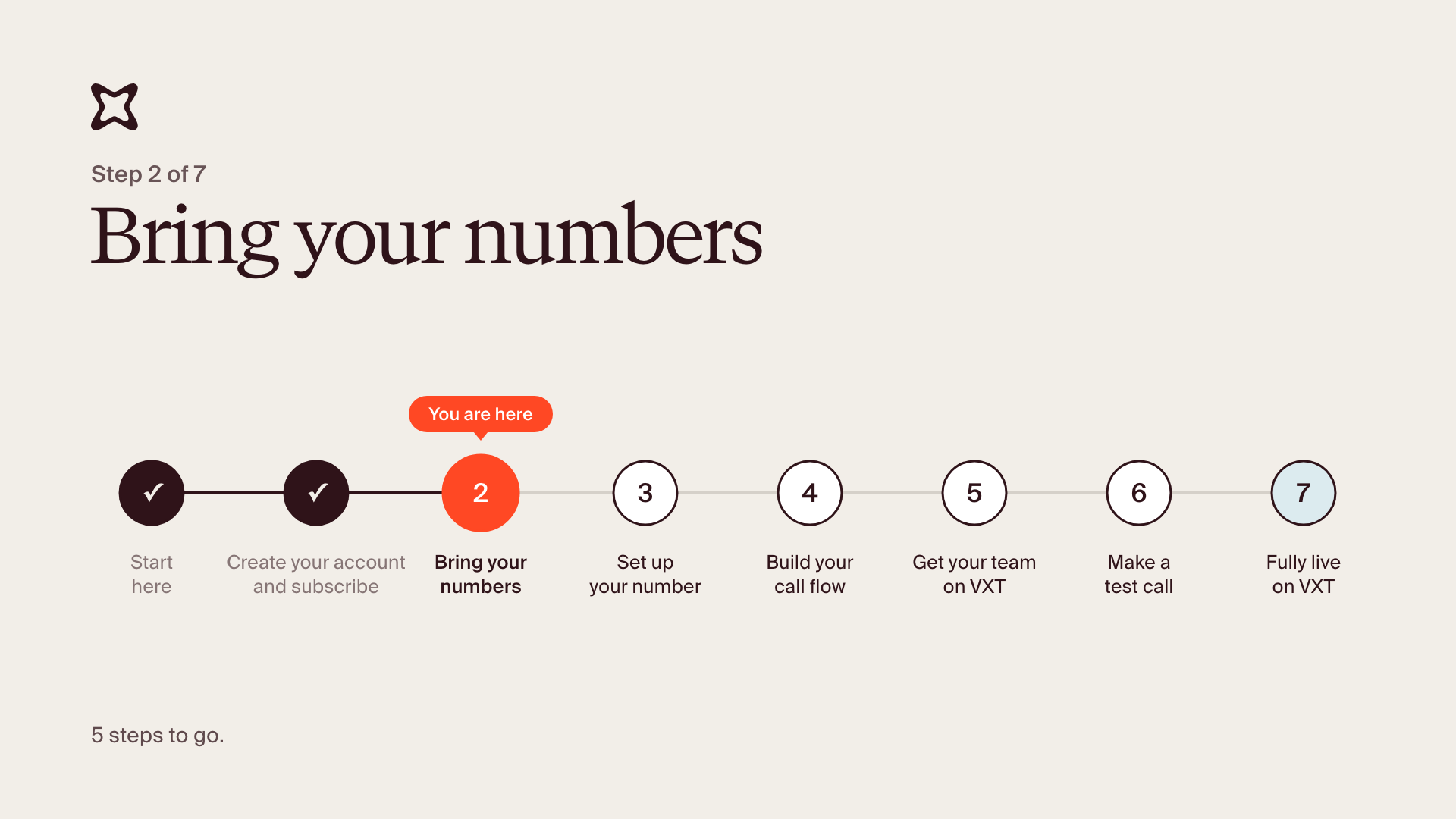
You're on step 2 of 7.
By the end, your port form is submitted and your existing numbers are on their way to VXT. Getting a new number instead? See Getting a new number below.
Submitting takes a few minutes. The move itself happens on our side after that, and we'll email you as it goes. Ports don't happen on weekends.
Porting US numbers? Request your port PIN from your current provider right before you fill in the form. Some expire quickly; Verizon's lasts 7 days.
- On Thank you for your purchase, click Continue.
- Pick the country your numbers are in and click Continue.
- Click Open port request form. The form opens in your browser.
- Fill in the port form with your account number and the numbers you're moving. If you're porting US numbers, you'll also be asked for your port PIN and whether you'll be texting from these numbers.
- Upload your recent bill and submit.
Closed the form, or porting more numbers later? Click Admin, then Phone numbers, then Add phone, then Bring existing numbers.
You're done when you get an email saying we've received your port form.
What happens next:
- We check your form and submit it to your current provider.
- We email you as it moves along, including your go-live date.
- On the go-live date, your numbers start ringing in VXT. Once we've confirmed your numbers have ported successfully, you can cancel your old service.
You don't have to wait for the move to keep going. Once we've checked your port form, your implementation manager adds your numbers to your VXT account, and they show up in Phone numbers. You can set them up, build your call flow and make calls out on them before your go-live date. That's what steps 3 to 6 cover.
Common questions
- Do I need to do anything else? No. You fill in the form and we handle the rest.
- Which numbers should I move? We recommend porting numbers that your clients recognize. If you are unsure, ask your implementation manager.
- Can I use VXT before my numbers move? Yes. Once we've checked your form, your implementation manager adds your numbers to your VXT account, so you can set them up and make calls out on them. Incoming calls start ringing in VXT on the go-live date.
- Should I cancel my old provider now? Not until after you receive confirmation that your numbers have ported to VXT successfully (in line with the emails we send).
Getting a new number
Most firms move their existing numbers. If you need a brand-new number instead:
- In the Add phone numbers pop-up, click New phone number. (Already past it? Click Admin, then Phone numbers, then Add phone.)
- Pick your area code and click Continue.
Your new number is ready straight away. If there's no stock available for the area you want, reach out to our team and we'll help.
Porting US numbers and planning to text from them? There's one more step: a texting registration form, linked in the port form. Sending texts from a business number in the US needs a registration with the carriers, and it takes a few weeks. Your port doesn't wait for it: calls work as soon as your numbers move, and texting turns on once registration is approved. For help filling it out, see the form and guide below.
Stuck? Reply to your welcome email and your implementation manager will help. If something in VXT isn't working, use the Support button or email [email protected].