
Parts of legal work are really satisfying: winning a case, solving a complex problem, helping a client through a difficult situation.
Writing up meeting notes isn’t one of them.
"I'll write that up later" is one of the lies we consistently tell ourselves. But when you finally sit down to do it, you’re likely relying on memory, and that’s where things can slip.
Every client call, every instruction, every decision needs to be captured clearly and stored somewhere your firm can rely on. The challenge is doing that consistently without adding more admin to your day.
That’s where AI notetakers come in.
In this article, we’ll explore how AI notetakers work, why lawyers are ditching handwritten notes, and how forward-thinking firms are using these tools as part of their broader tech stack to win back their time.
What is an AI notetaker?
Traditionally, taking meeting notes was someone’s job. It might have been a junior in the room or whoever could type the fastest. Now, for both in-person and video meetings it can happen automatically in the background.
An AI notetaker records, transcribes, and summarizes meetings, creating a clear, structured record without the need for manual notetaking. Depending on the tool, this can happen by joining the meeting (in the case of video conferencing) as a participant or running silently in the background.
Instead of focusing on capturing every detail, AI notetakers allow you to focus on the conversation and meeting itself, knowing there’s a reliable record to review, share, and store afterwards.
Why law firms use AI notetakers
At a practical level, law firms tend to adopt AI notetakers for three reasons:
1. Risk protection
Keeping accurate notes isn’t just admin, it’s also protection.
When a client questions what was said, or claims advice was different, you need more than memory or rough notes. You need a clear, objective record.
AI notetakers create that record automatically, capturing the exact wording, context, and timing of a conversation.
Instead of “I’m pretty sure I explained that risk…”, you have something you can point to.
As one VXT user put it:
“One time, a client insisted I had given them advice that I knew I hadn’t. I pulled up the transcript and proved exactly what was said. That single instance saved me from a major liability claim and thousands of dollars.”— Stuart Ruddell, Director of JBM Associates & Limited
Accurate records don’t just help resolve disputes faster, they help prevent them from escalating in the first place.
2. Time savings
Note-taking during a meeting is distracting. Writing notes afterwards is worse.
You either split your attention during the conversation, or you spend another 5–10 minutes (or more) trying to reconstruct it later. Multiply that across a full day of calls and meetings, and it adds up quickly.
AI notetakers remove that overhead. Instead of writing, rewriting, and formatting notes, you get a structured summary ready to review and save.
That means less time on paperwork, and more time on actual legal work.
3. Team continuity
Legal work won’t always sit with one person from start to finish. Matters get handed over. Colleagues step in. Clients speak to multiple people across the firm.
AI notetakers help standardize how meetings are recorded, so nothing gets lost between handovers.
When those records are stored in your practice management system (PMS), anyone on the team can quickly understand what was discussed, what was agreed, and what needs to happen next.
That continuity makes a noticeable difference, both internally and for the client experience.
Is using an AI notetaker legal?
Before using any new technology in a law firm, the same questions come up:
- Is this safe?
- Is this compliant?
- Is this going to create more risk than it removes?
Disclaimer: This section provides general information, not legal advice. You should always confirm the specific rules and obligations that apply in your jurisdiction.
AI notetaking isn’t inherently risky, but it does need to be used properly.
Lawyers need to know who can access recordings and transcripts, how that data is handled, and whether it’s being stored in a way that aligns with their professional obligations.
Consent is another key consideration. In many jurisdictions, transcription is treated similarly to recording, so the safest approach is simple: disclose it. A quick heads-up at the start of a meeting avoids issues later and builds trust with clients.
For a deeper breakdown, see our guide on managing call recording disclosure.
You don’t need to avoid technology. You just need to govern it properly.
Generic AI transcription vs legal-specific notetaking
Not all AI notetakers are built for legal work.
Most tools on the market are designed to transcribe meetings for general business purposes. That’s where their job ends. The meeting notes live in a separate app, and someone still has to copy, paste, rename, and file everything correctly.
But in a law firm, capturing the conversation is only half the job. What matters is what happens next.
Tools built for law firms take a different approach. They don’t just capture conversations and meetings, they fit into how legal work actually happens.
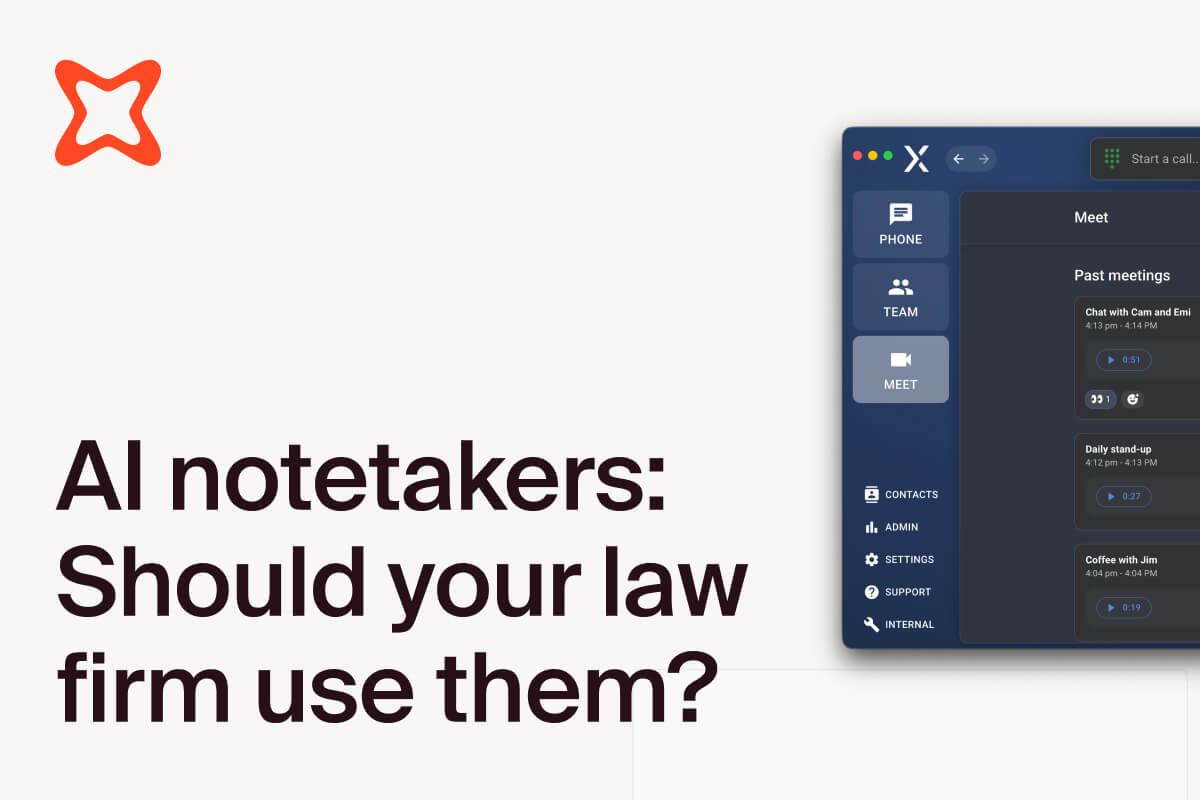
VXT Meet is the only AI notetaker designed specifically for law firms. Notes, transcripts, and summaries from your video conferences and in-person meetings can be automatically saved to the right matter in your practice management system, without extra steps.
Most AI notetakers only work for video calls. VXT works for in-person meetings too, so every client conversation is captured the same way, whether it happens on a video call or across your desk.
On the surface, both types of tools “take notes.” But in practice, one creates more admin, and the other removes it.
How AI tools work together
The benefits of AI don’t stop at transcribing and summarizing meetings.
On their own, AI notetakers are helpful. But when they’re connected to the rest of your legal tech stack, they become even more useful.
For instance, when transcripts and summaries are combined with AI assistants, you can start to:
- Extract insights from meetings and calls
- Generate action items
- Draft emails and documents
Instead of just capturing information, you’re using it right away.
The real value comes from where that information lives. When transcripts are stored in your PMS, they become part of the matter and can be used across your workflow.
A typical setup looks like this:
- Client call or meeting happens → recorded and transcribed automatically.
- Transcript is saved to your PMS → no manual uploads or filing.
- AI assistant processes the information → summarizes, extracts key points, and generates outputs.
Let’s see how this workflow looks at a real law firm using VXT and Smokeball.
Real-world example: Nest Legal
Nest Legal is a fixed-fee law firm where efficiency directly impacts profitability.
They use VXT alongside an AI assistant (Archie in Smokeball) to reduce admin and improve how information flows through the firm.
As Nest Legal Founder, Laura Vickers, explains:
“If I’m jumping into a case someone else handled, I don’t have to read an entire transcript. I just right-click and get a quick summary of the client’s history, correspondence, and next steps.”
With transcripts automatically saved to the matter, their team can quickly extract key details, generate summaries, and move work forward without digging through notes.
The result:
- Less time spent reviewing transcripts
- Faster handovers between team members
- More time focused on client work
“My absolute favorite tech discovery last year was that magical combination, [pairing VXT’s AI phone call transcripts with Smokeball’s Archie].
“With VXT, every call is transcribed. Then, I can [use] Archie to summarize the conversation, pull out key details, or generate a file note.”
Conclusion
AI notetakers don’t replace lawyers, they remove the friction around capturing what’s already happening.
Instead of relying on memory, scattered notes, or end-of-day write-ups, you get a consistent, reliable record of every conversation, without adding more admin to your day.
That changes how meetings feel. You’re not trying to capture everything. You can focus on listening, asking better questions, and advising clearly, knowing the details are being recorded.
Risk comes from how they’re used, not whether they exist. AI notetakers aren’t inherently risky, but they do need to be implemented properly. That means clear policies and choosing tools that fit within legal workflows, not around them.
Because in practice, the value isn’t just in taking notes. It’s in making sure those notes are accurate, accessible, and stored where your team actually works.
Used well, AI notetakers don’t change the work lawyers do. They just make it easier to do it properly.
.jpg)
.jpg)
.png)