

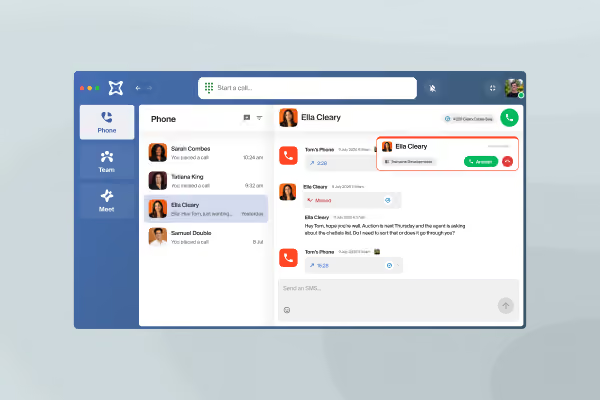
AI notes from every Zoom meeting
VXT Meet records your microphone and computer audio during the meeting. When you stop recording, it writes the transcript and summary, then saves them to the right matter in your legal software. It also drafts the follow-up email, ready for you to review and send.
Capture more billable time
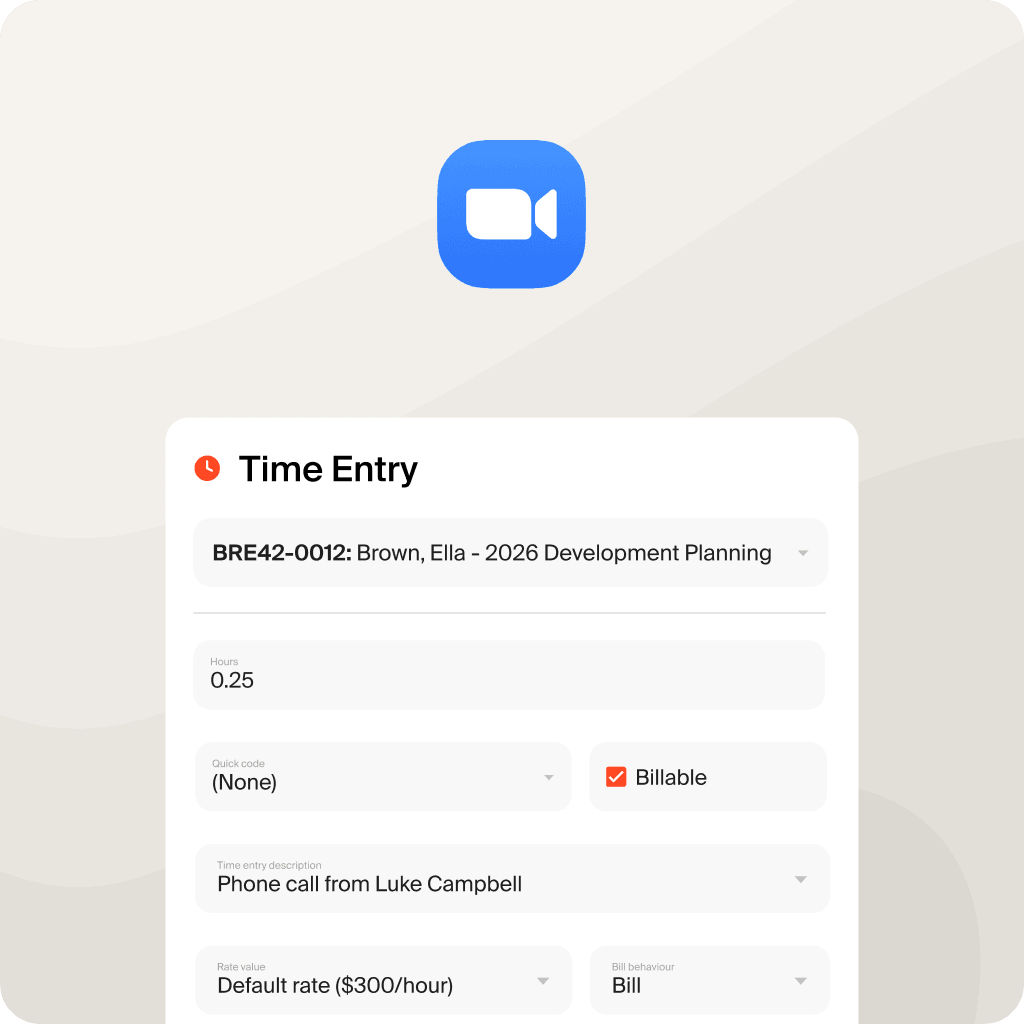
Up to 20% of billable time goes unrecorded. VXT creates a time entry for every Zoom meeting and saves it to your legal software, so you bill for the time you’ve worked.
Easy to set up
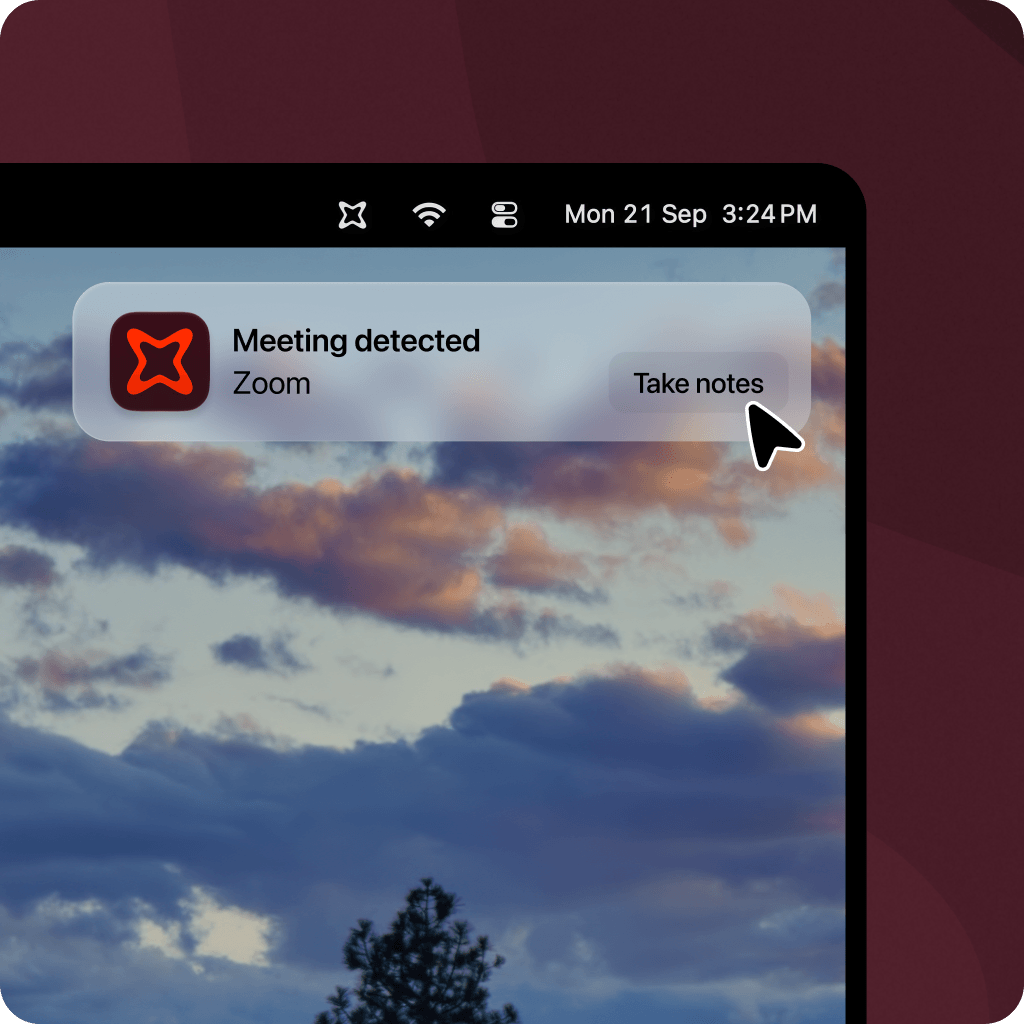
There's no browser extension to install, and no bot in the call. Open VXT on your computer, join the meeting in the Zoom desktop app or your browser, and click the prompt to start recording. It works in any meeting you host or join.

VXT Meet with Zoom includes:
- Automatic meeting detection when Zoom starts using your microphone, in the desktop app or your browser
- AI transcripts and summaries
- Time entries and AI notes saved to the matter in your legal software
- Follow-up email drafts, ready for you to review and send
- Recording in any meeting you host or join, with no bot in the call

Practice law, not paperwork
VXT works on the device you're using. It’s free to get started.