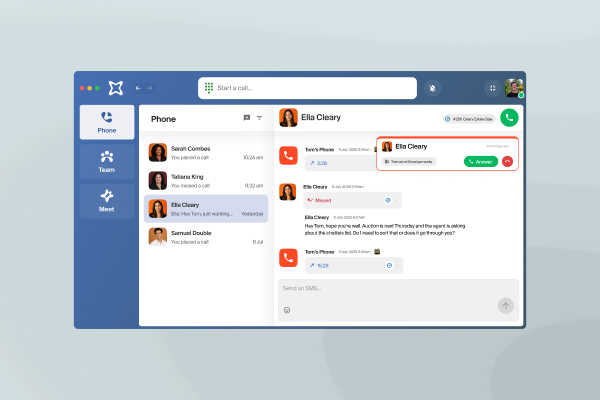
Stop interruptions
Your VXT status updates automatically when your Teams presence changes or an Outlook event begins, and Do Not Disturb silences incoming calls during meetings.
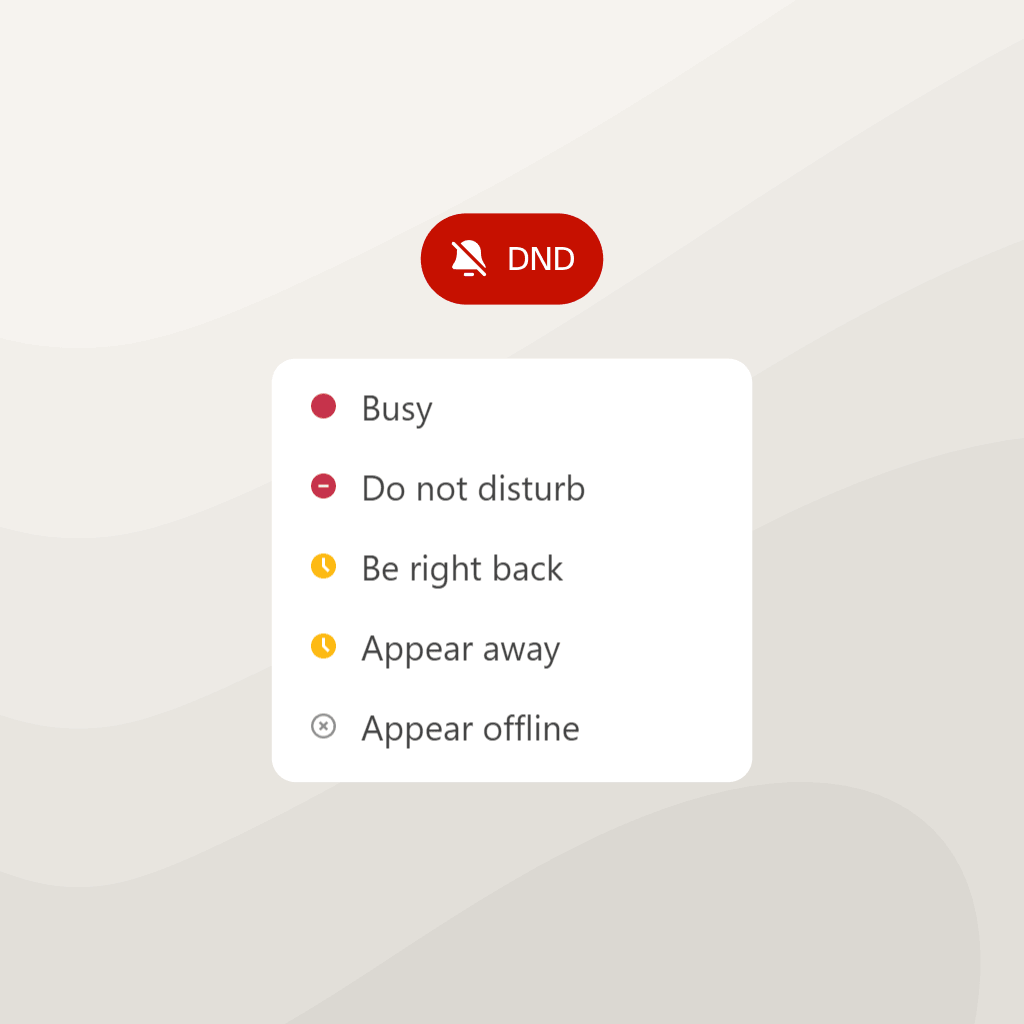
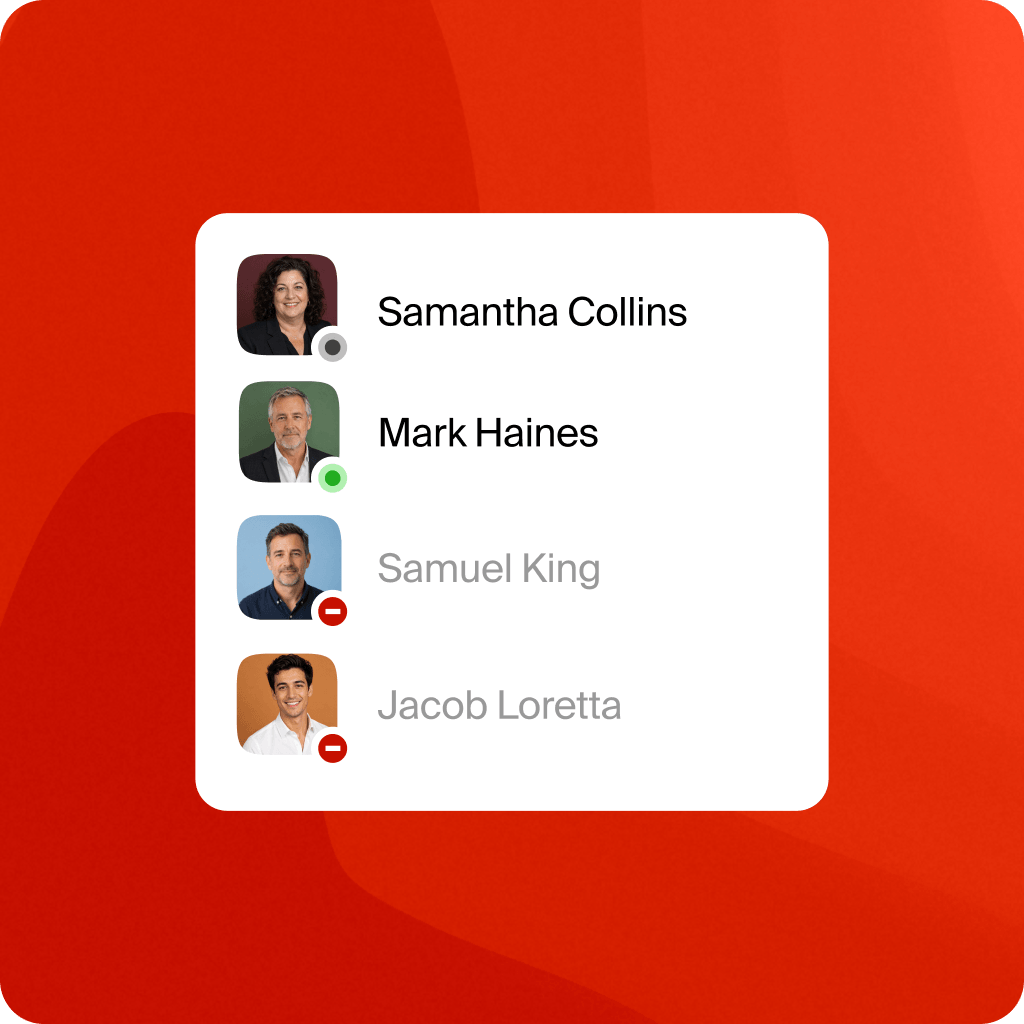
See when your teammates are busy
Check a colleague's availability before you transfer a call, so you don't send it to someone mid-meeting.
Start the meeting and AI notetaking in one click
When a calendar event begins, VXT asks if you want to record it. Click the notification to open the meeting and start VXT Meet, with the event name and participants pre-filled in the meeting notes.
.png)
Use VXT alongside Microsoft to keep your status up to date and help capture your meetings.
Our Microsoft integration includes:
- Automatic status updates from Microsoft Teams
- Do Not Disturb during meetings
- Outlook calendar events reflected in your VXT status
- Teammate availability visible before you transfer a call
- Meeting notifications to start VXT Meet when a calendar event begins
- Meeting links opened from VXT notifications
- Meeting names and participants added from calendar events

Practice law, not paperwork
VXT works on the device you're using. It’s free to get started.